Plan it
Set a cap, watch it fill.
Pick a category, pick a number, and the app shows how much of it is gone. No alarms, no red screens, just a bar you can read at a glance.
A budget you can see is a budget you keep.
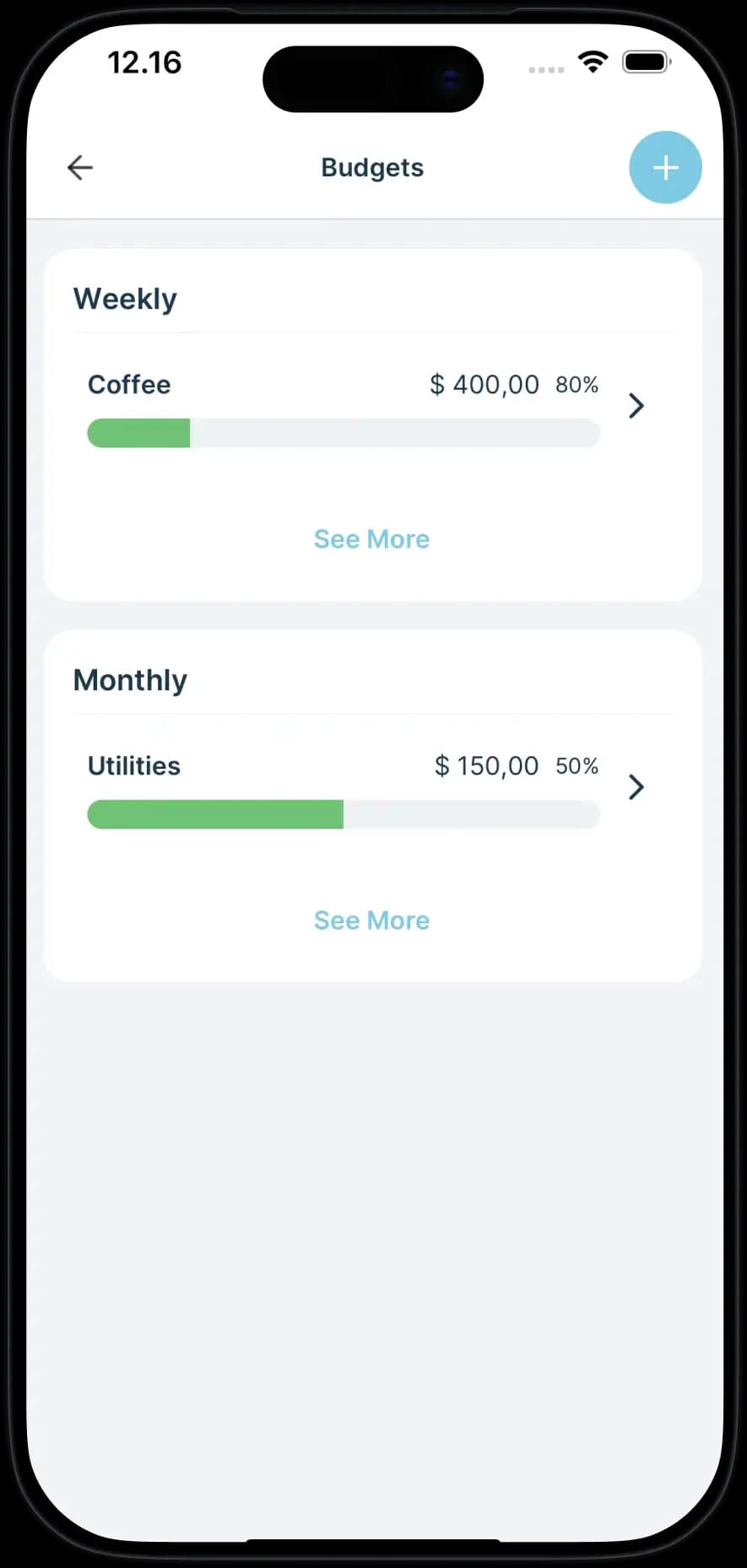
A cap only works if you know where you are inside it. Each budget is a category and a monthly number, drawn as a bar that fills as you log. Checking it takes a second, which is the entire point of drawing it.
- One cap per category, set for the month
- A bar that fills as you log, so the answer is one glance away
- Nothing turns red and nothing scolds you
- Change the number whenever the month changes
On your plan
3 budgets on the free plan. Premium makes it unlimited.
What a budget does here.
It shows, it does not shout.
Going past a cap is information, not an alarm. The bar fills and that is all that happens.
Set it for what you actually watch.
Most people need two or three: eating out, getting around, and the one that always surprises them.
It resets with the month.
Each month starts clean, so one heavy week does not follow you into the next one.
FAQ
Good to know.
How many budgets can I set?
3 on the free plan and unlimited on Premium. Three usually covers the categories worth watching.
What happens if I go over one?
Nothing. The bar fills past its cap and the number is there when you look. There is no alert and no lecture.
Do budgets reset every month?
Yes. A budget is a monthly cap, so every month starts back at zero.
Where to look next
Want to work the number out first?
50/30/20 budget calculatorReading about it takes longer than trying it.
Know where your money goes.
Free to start, works offline, and your first spend is about five seconds away.