Day to day
No signal, no problem.
Everything runs on your phone, so nothing waits for a connection. Logging, budgets, and reports all work with no signal at all.
An expense tracker that works with no signal.
The database is on the phone, so the app is not waiting on anything. There is no loading state between you and your own records, no queue to clear before a report will draw, and no difference between a good connection and none.
- Logging, budgets, goals, and reports all work with no signal
- No spinners between you and records you already have
- Back up when you want to, restore on a new phone in a minute
- Nothing sits queued up waiting for a network to appear
On your plan
Offline access and backup are both on the free plan.
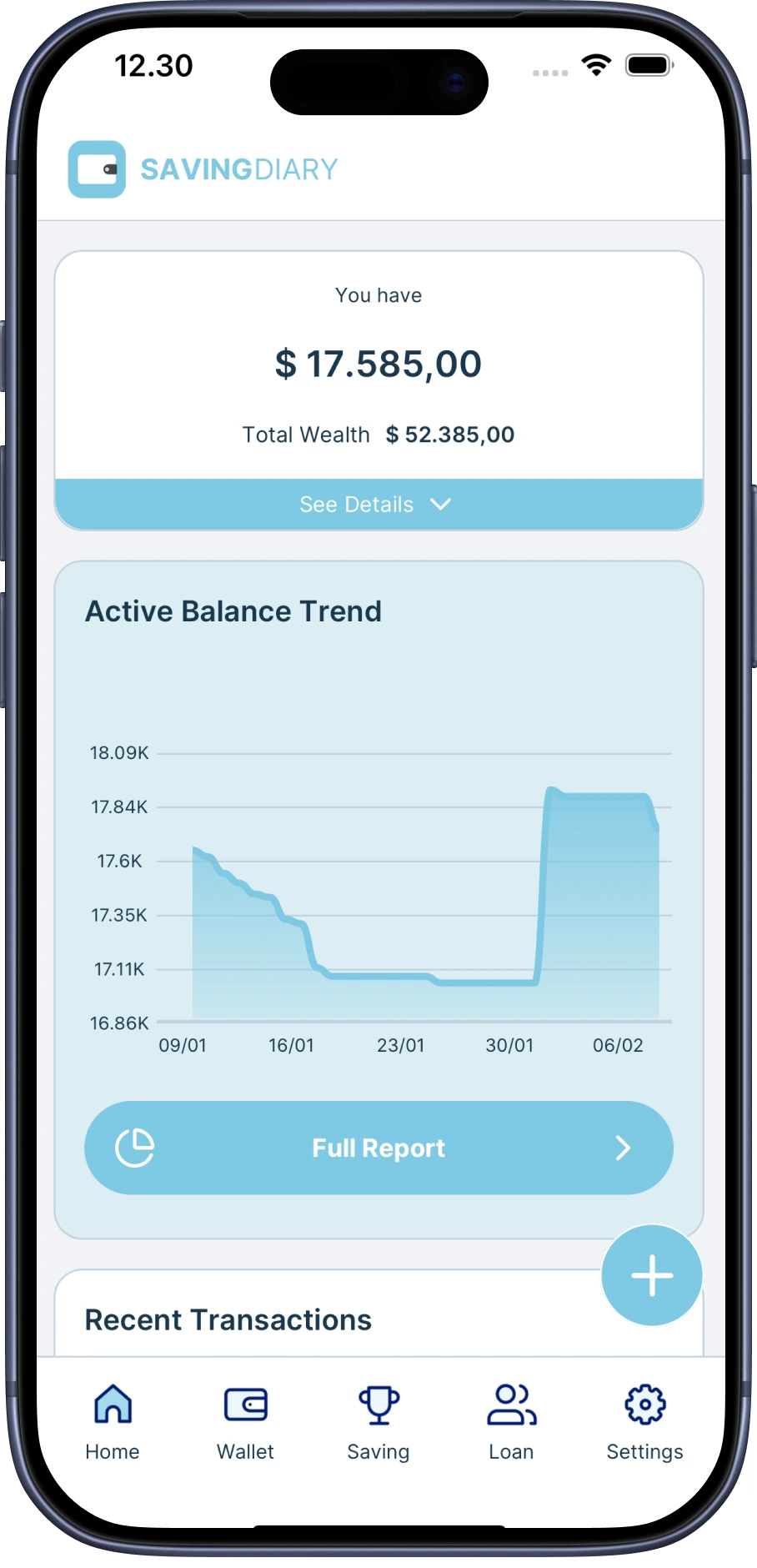
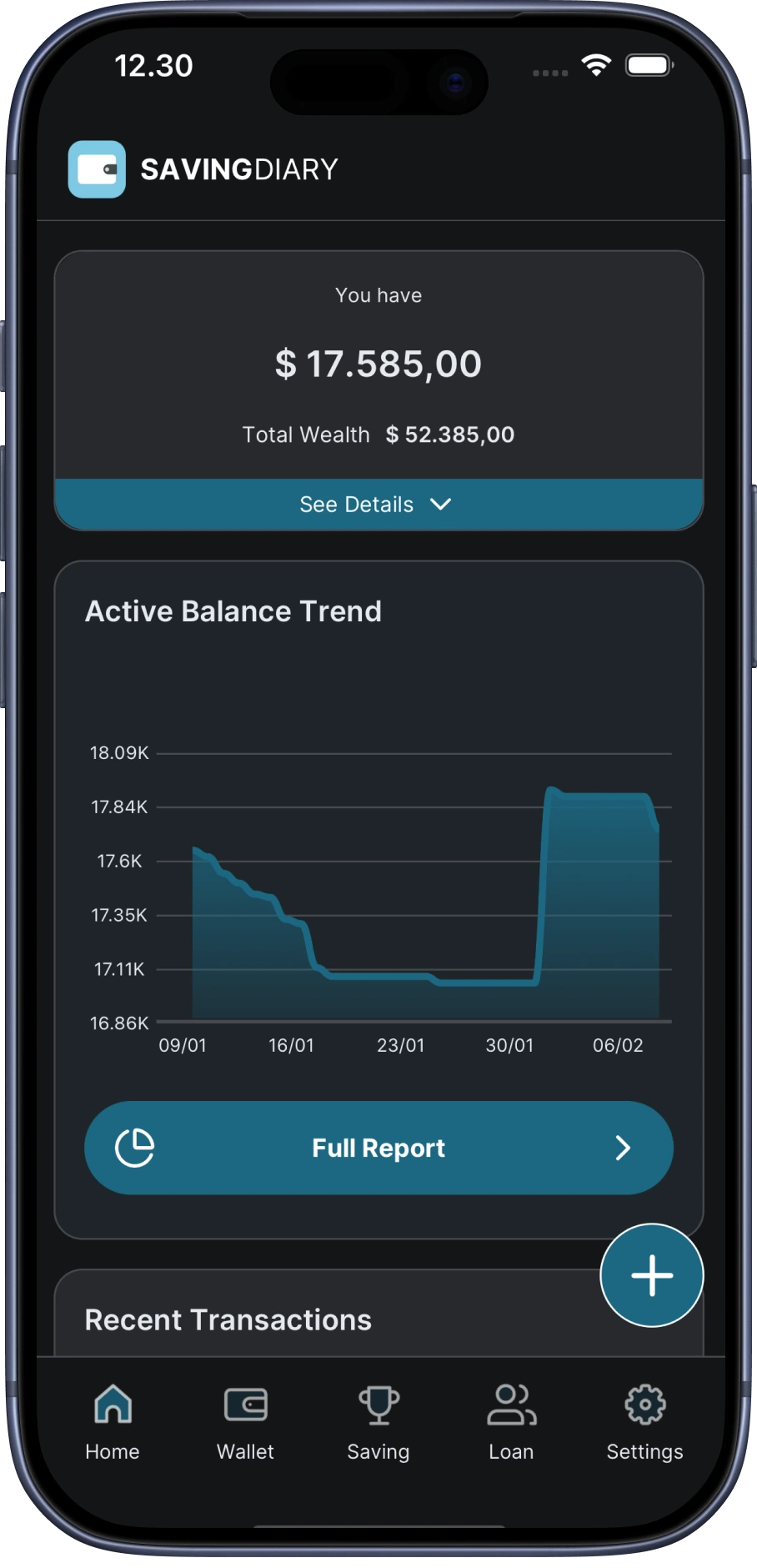
Where this matters.
On the plane and underground.
The places people actually spend money are often the places with no bars.
Nothing gets lost.
Back up whenever it suits you, and restore onto a new phone in about a minute.
It is the same app either way.
There is no reduced offline mode to fall back to. Offline is simply how it runs.
FAQ
Good to know.
Does it need a connection to work?
No. Everything you log, and everything the app shows you, is already on the phone.
What is the backup for, then?
A new phone, or a lost one. Backup is how your records move, and it is on the free plan.
Do I need Premium for offline access?
No. Offline access is part of the free plan.
Where to look next
Reading about it takes longer than trying it.
Know where your money goes.
Free to start, works offline, and your first spend is about five seconds away.