Log it
Log it in five seconds.
Open the app, type the amount, pick a category. That is the whole habit, and it is short enough that you will actually keep it.
A daily expense tracker you can keep up with.
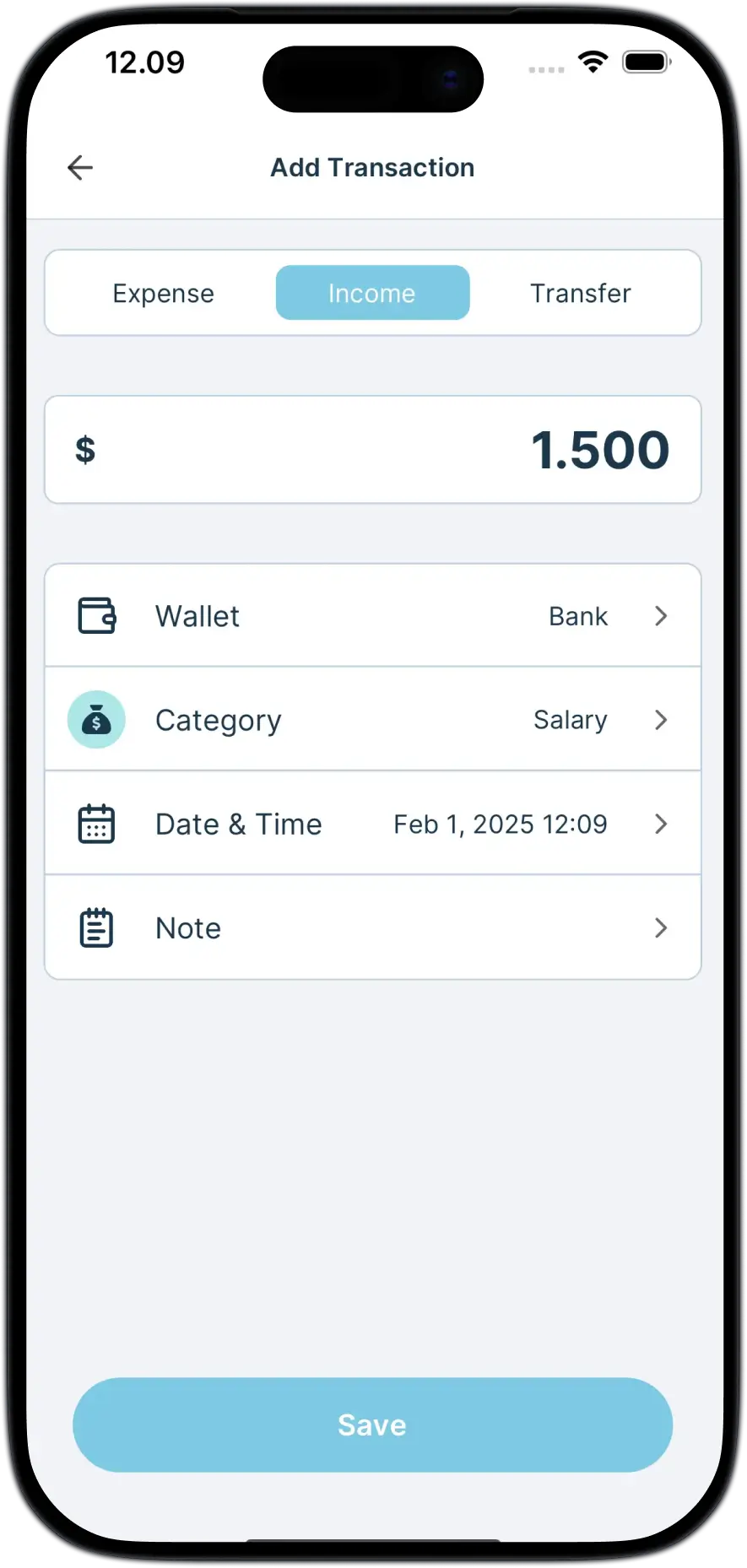
Most tracking stops because logging takes too long. This one is built around the shortest version of the job: a number, a category, and back to whatever you were doing. Everything else on an entry is optional and can wait.
- Amount and category are the only two things it asks for
- A note, a date, or a label can go on later, or never
- Money in and money out go to the same place
- Any entry can be edited or deleted afterwards
On your plan
Unlimited transactions and unlimited categories on the free plan. Premium lifts the 3 label limit.
What makes it fast.
A number pad, not a form.
The keypad is the first thing on screen, so the first tap is already the useful one.
Categories that sound like you.
Name them, pick an icon, pick a color. Yes, coffee can be its own category.
Labels for the odd ones.
Tag a trip, a move, or a month of something unusual, and pull it back out later.
FAQ
Good to know.
How long does it take to log one spend?
About five seconds. Type the amount, tap a category, save. Everything else on the entry is optional.
Can I log money coming in as well?
Yes. Income and spending go into the same wallet, and the report keeps them apart for you.
Can I fix an entry after I save it?
Yes. Any entry can be edited or deleted, and every total that used it moves with the change.
Where to look next
Reading about it takes longer than trying it.
Know where your money goes.
Free to start, works offline, and your first spend is about five seconds away.